Sidus Proxyma Cardgame Deckbuilder
A downloadable tool for Windows and Linux
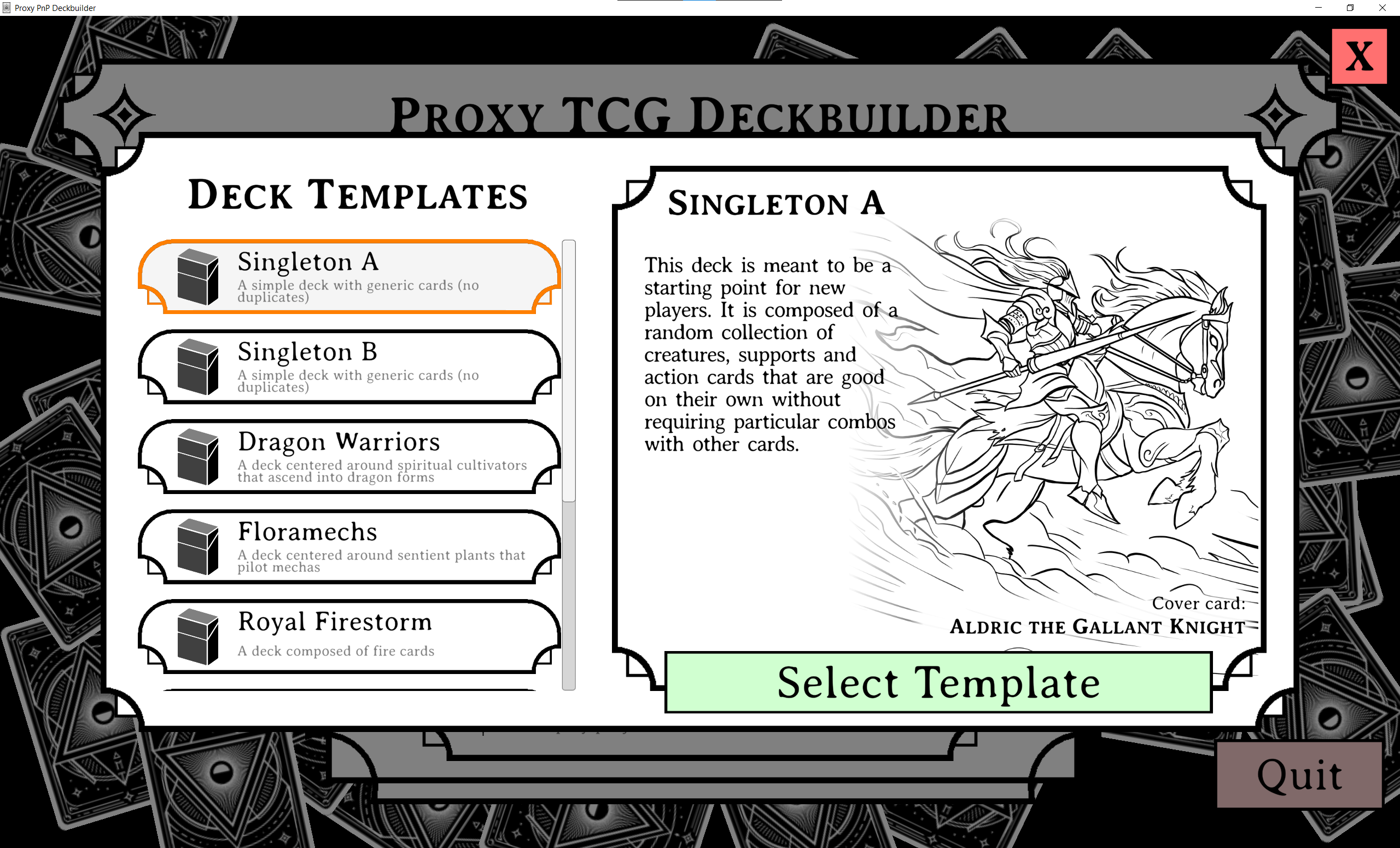
This tool is designed to help you get started with the Sidus Proxyma printable card game.
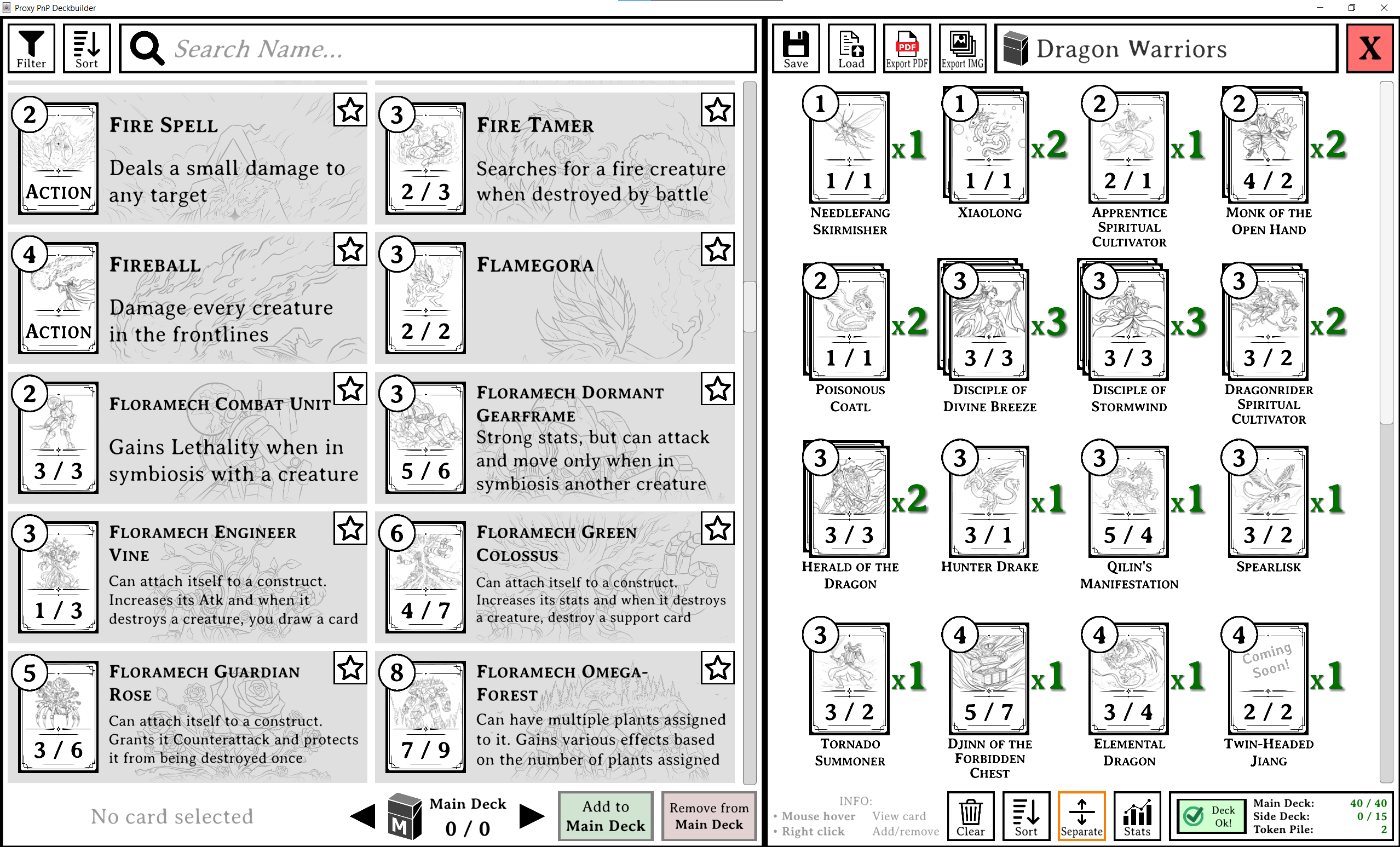
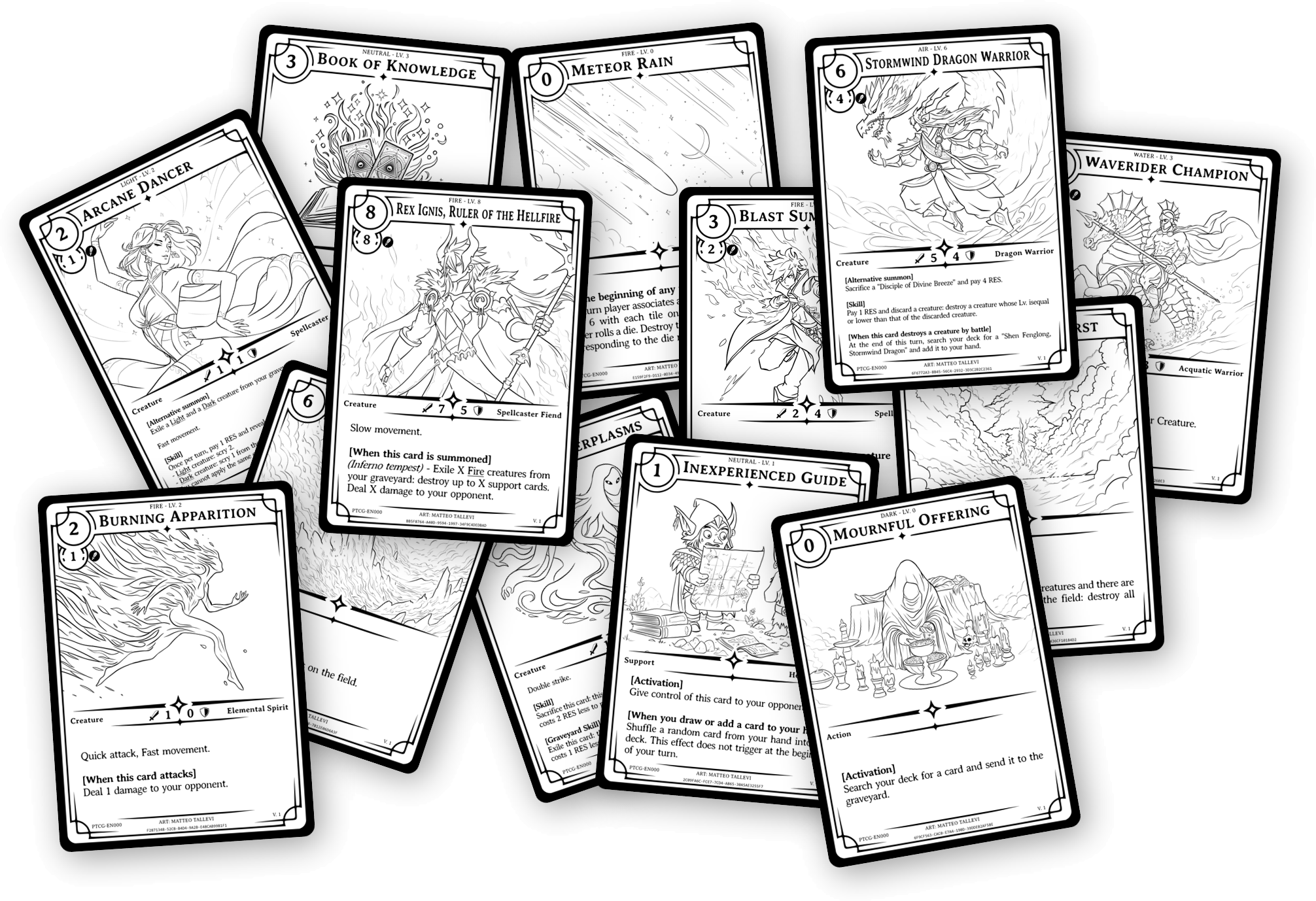
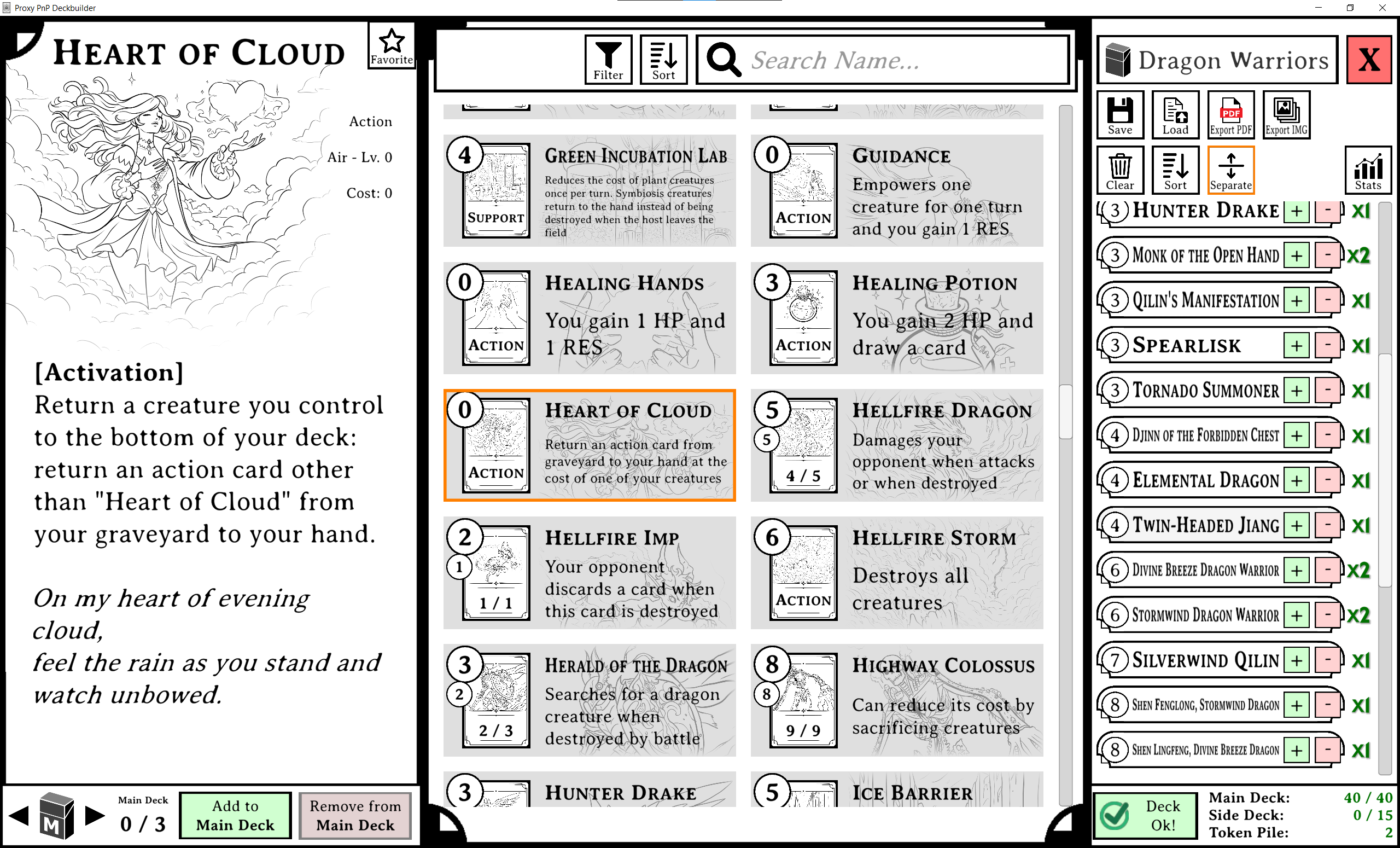
This editor allows you to easily list cards, browse them and build your decklist. It also allows you to automatically create a PDF file ready for printing so that you can create your physical deck immediately. You can also export cards as png images in case you want to customize them.
A few prebuilt decklists are already availables. The game zip also contains the game's manual and quickstart guide.
NOTE: When you export multiple cards at once, the editor window will appear to freeze/be unresponsive. Do not panic, this is normal, the editor is simply rendering the cards. Just wait it to finish. In the future, I will implement a progress bar or something.
NOTE 2: When you open your PDFs for printing, make sure you are printing the file at 100% of its size and that your printer dialog is not adding any whitespace around the page. If the printer dialog is adding whitespace to the borders, the cards will be printed at the wrong size (a little smaller than they should be).
Download
Click download now to get access to the following files:
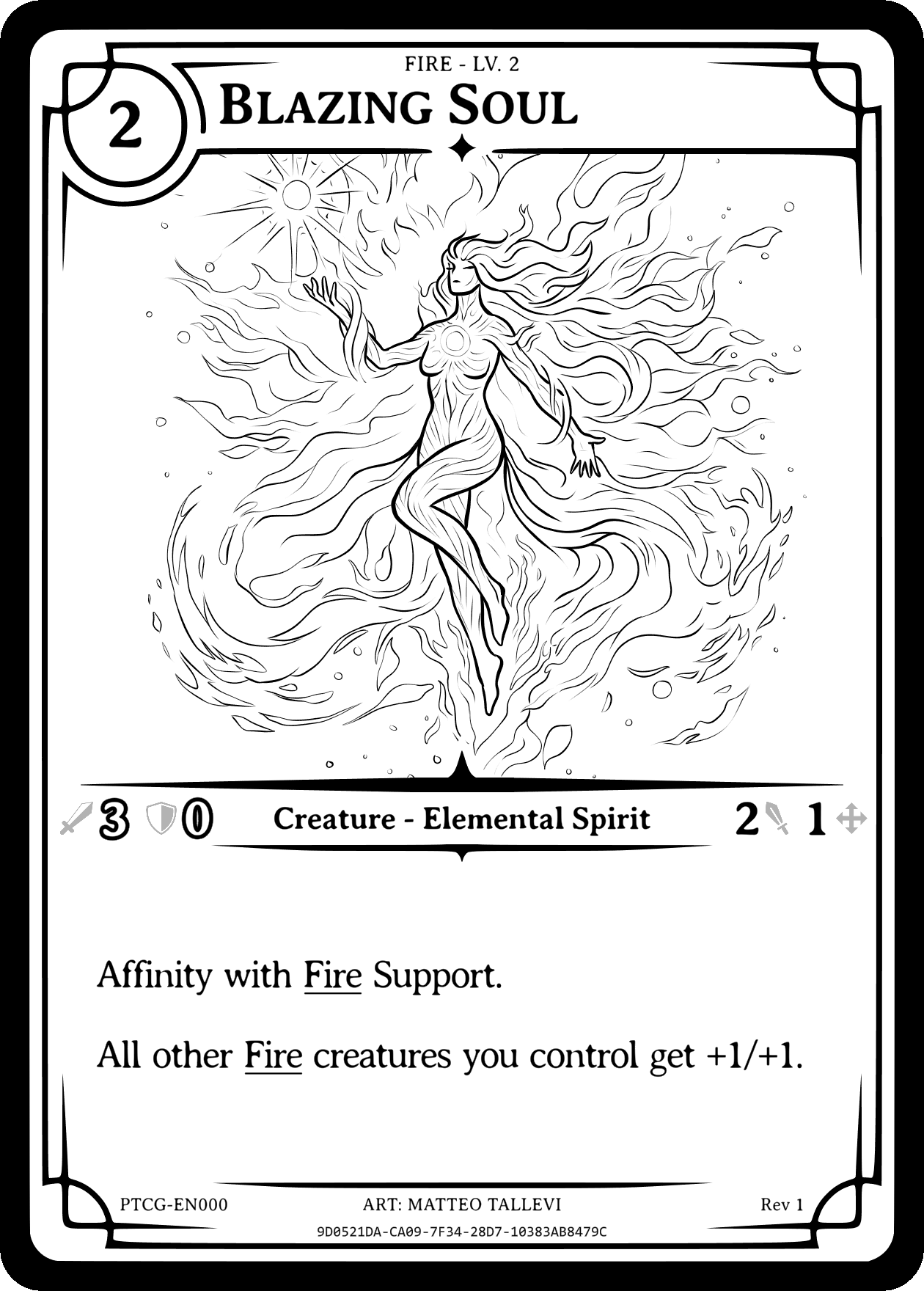
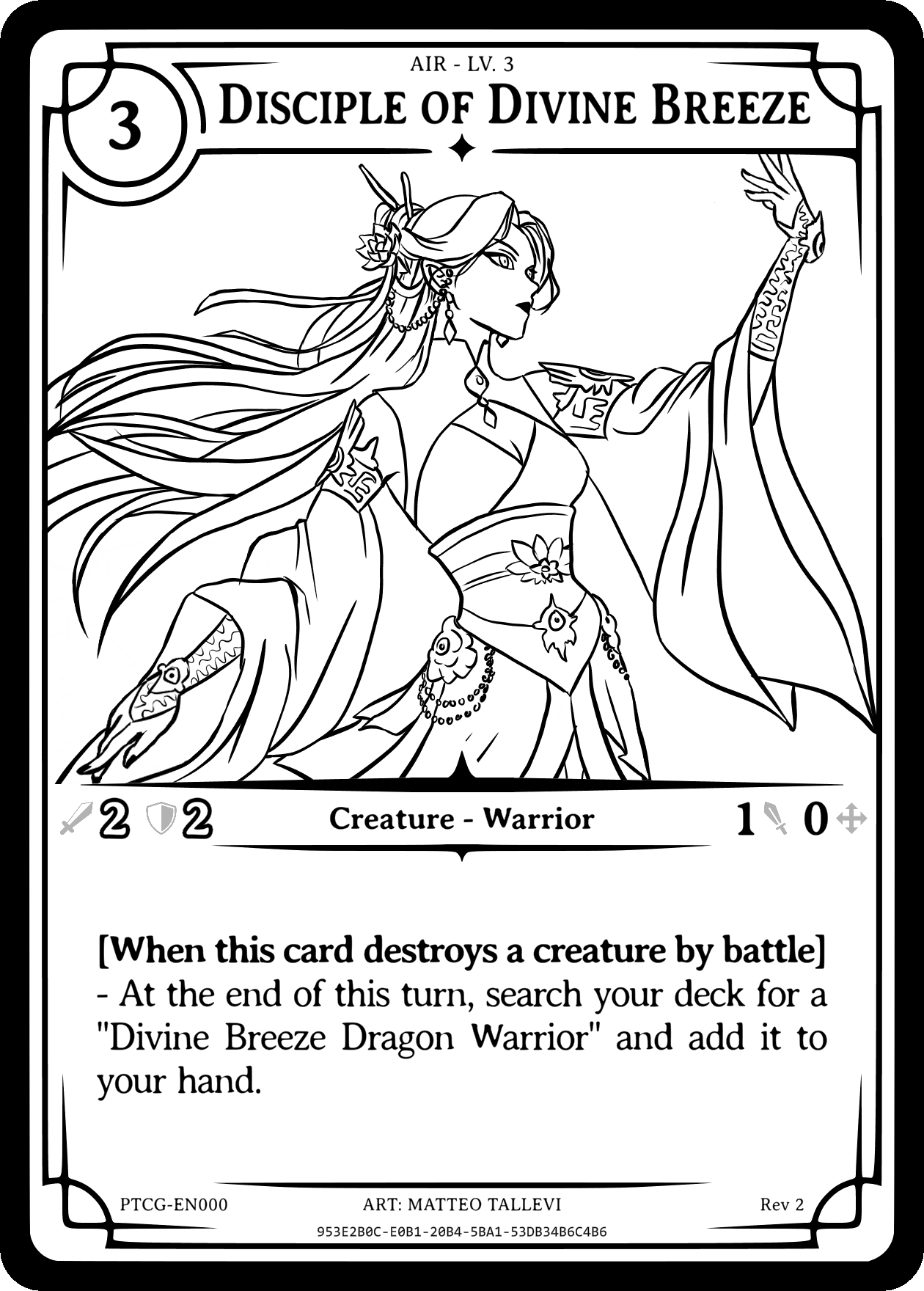
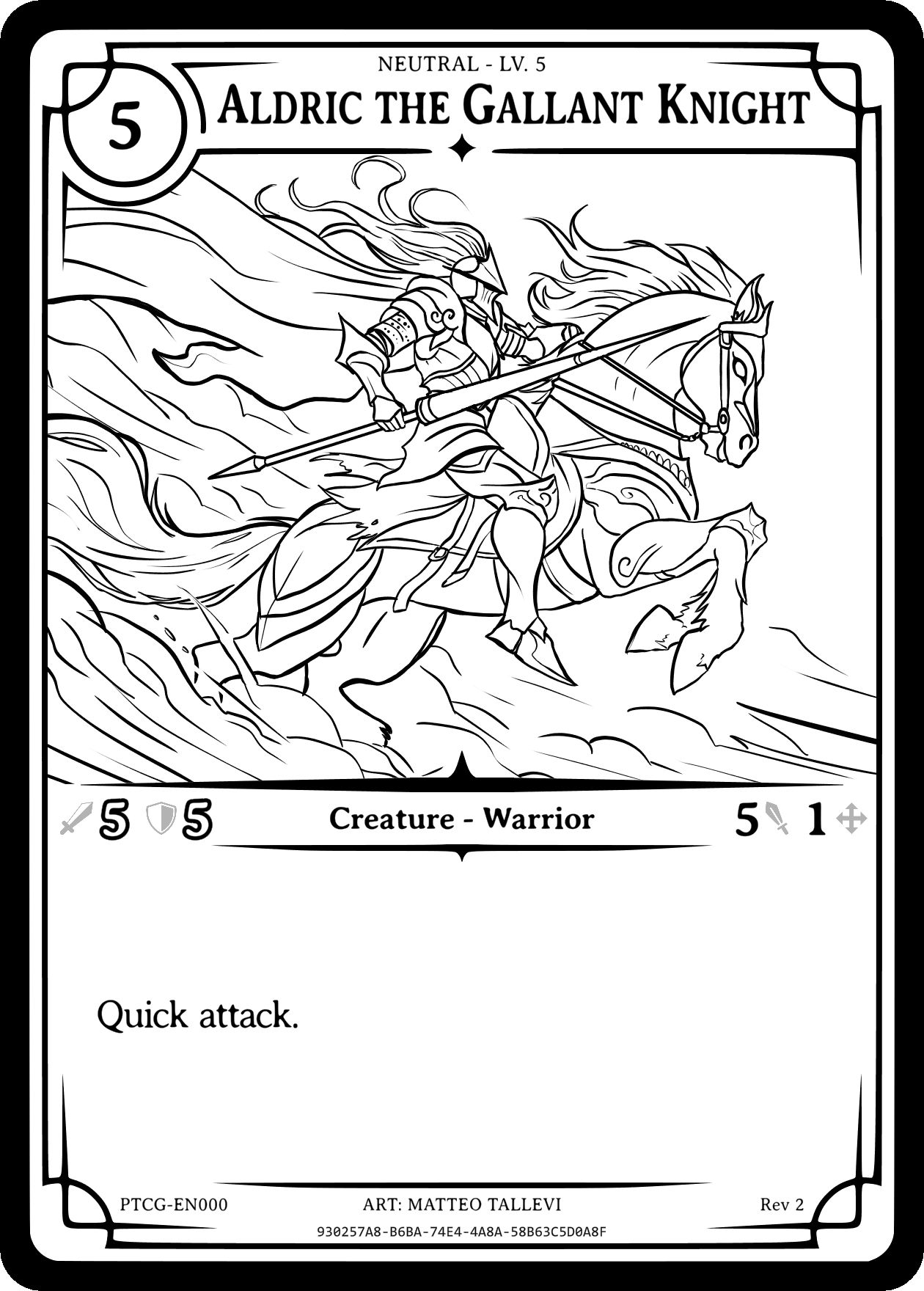
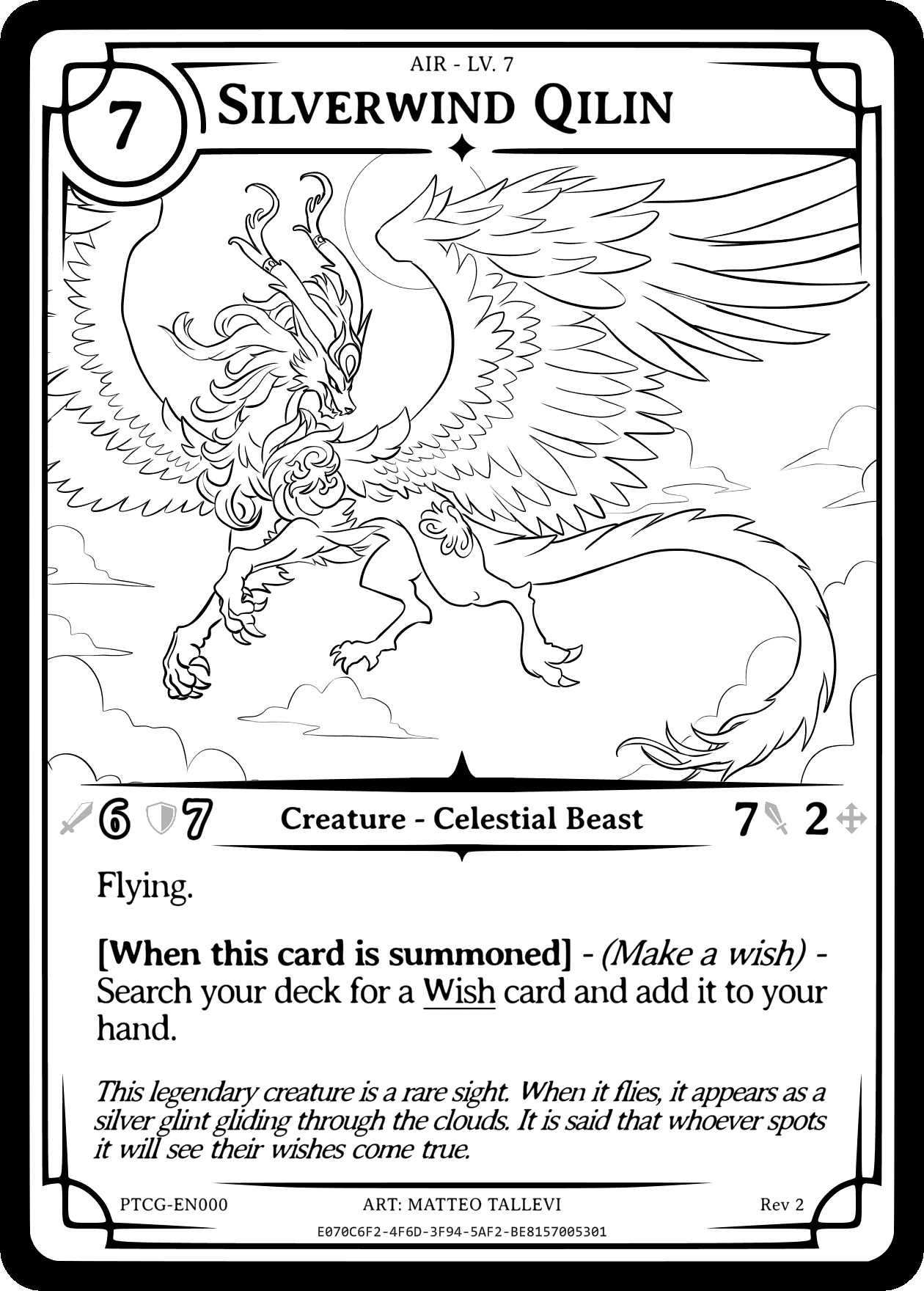
Comments
Log in with itch.io to leave a comment.
I really love the spirit of a cardgame with deckbuilding being a PnP, but as a cardgame player, I find the deckbuilding UI way too cumbersome to use.
Listing only the card names and their quantities makes it very hard to tell what cards are in a deck, since all of the card's information is now hidden. Ideally, all cards would be visible in their entirety so you can tell how a deck is constructed at a glance. Not being able to see what cards are in your deck makes it hard to know what cards you want to add, and kinda defeats the purpose of a deckbuilder.
The simplified visualization of the cards in the center also seem to have some visual issues, at least on my screen, causing them to be compressed much more than they need to, scrambling the fine lines of the artwork into being unrecognizable. It'd also be nice if you could add cards to a deck with a right-click instead of having to mouse to the bottom-left after selecting a card.
I hope this was constructive, the project seems very professionally put together and I wish you the best going forward.
Thanks a lot for the constructive feedback! This is all very useful information and I will definetely follow your suggestions. I agree with you that the decklist UI is not the best and I should improve the whole UI. The tool is derived from a stand-alone version of another tool I was using to create cards for myself so it still suffers from a bit of programmer-oriented design.
My idea is to have the card preview look more than the actual card, with an HD preview popping up like a tooltip when hovering with a mouse. Right click for adding cards seems better as well.
Can you attach a screenshot of the "compressed text" you mentioned so I can investigate further? Also, what monitor/window resolution are you using? Are you on windows or linux?
Hello! I wanted to notify you that the deckbuilder program has been updated and I implemented all the suggestions you mentioned. Enjoy!
Also, let me know if you have further constructive feedback